Need Help Downloading?
Downloading the RescueTime Data Collector for Windows is pretty simple. Just click on the "Download Windows Data Collector Now" link. When prompted, go ahead and save the file to somewhere you can remember (like your desktop). Once you've successfully downloaded it, you'll need to go to that location and double-click the installer.
Need Help Installing?
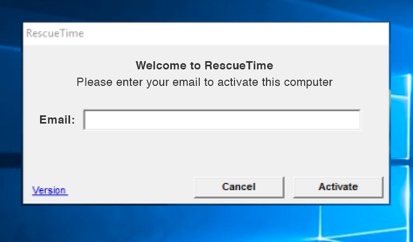
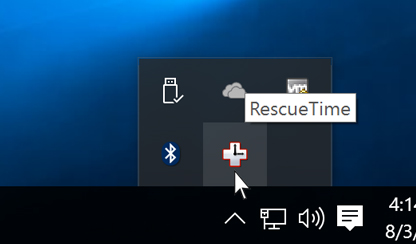
To install RescueTime after downloading (detailed above), you have to go to the location that you downloaded the file to and double-click the "RescueTimeInstaller.exe" file. It should walk you through the install process (just keep hitting next). When you finish installing, RescueTime will prompt you for the email address and password you signed up with at RescueTime.com (and you should see the RescueTime Data Collector represented as a "white plus" in your system tray). This icon is a good indicator that RescueTime is running.