Take back controlof your time
Millions of people simplify their lives by installing RescueTime's automated time tracking software.
Get your 14 day free trial and
start taking control
Plans start at $6.50/month
 PC MAG EDITOR'S CHOICE
“RescueTime is a rare five-star product and one of the best productivity tools we’ve ever tested.”
apps and websites

Where is your time really going?
Automatic Time Tracking
(No Manual Entry!)
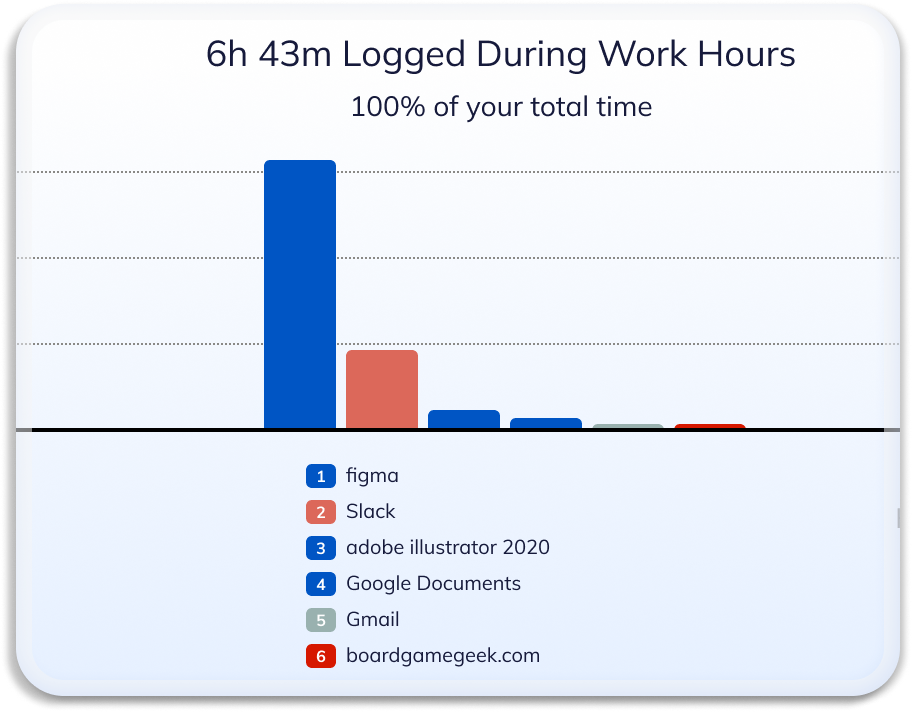
RescueTime automatically tracks the time you spend on apps and websites—even specific documents—without timers or any manual entry. You’ll get detailed reports on exactly where your time goes and what’s getting in the way of your productivity.
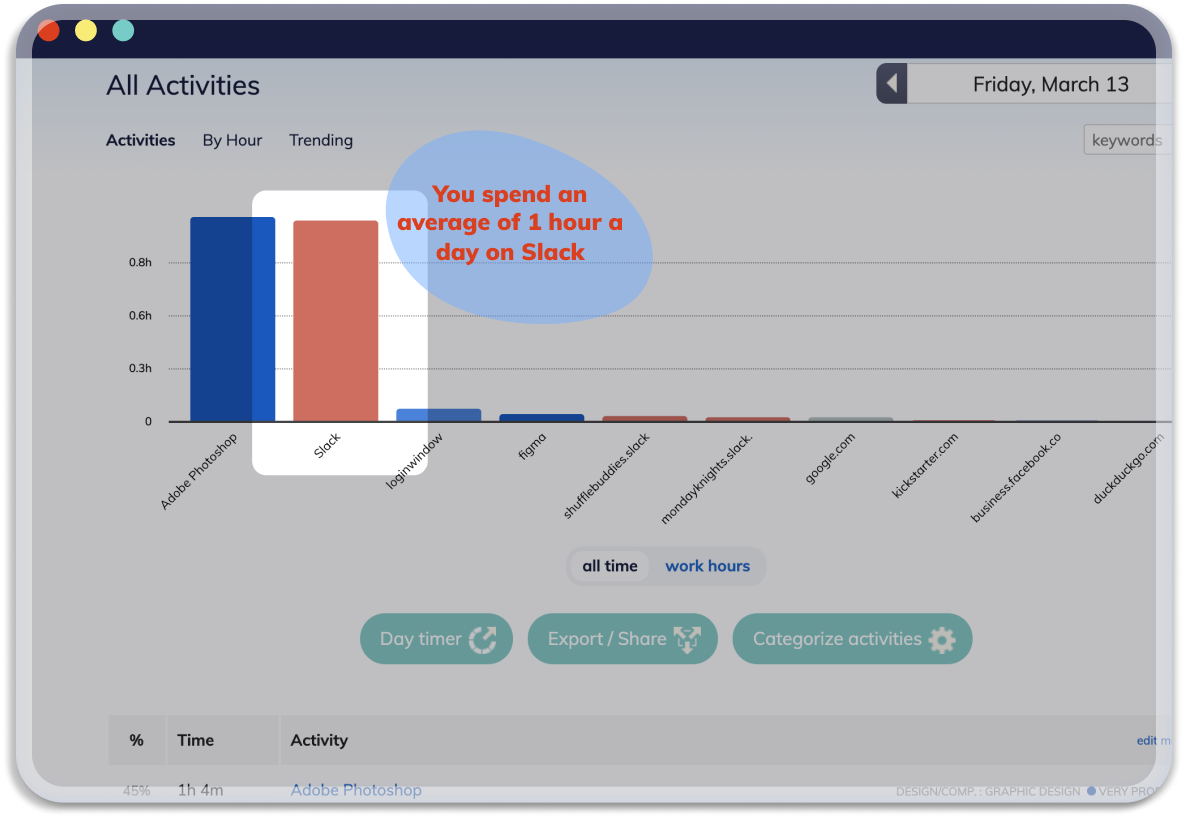
Detailed Reports, Trends, and Insights
Discover the truth about your working habits, find time sinks, and set smart goals so you can track your progress as you become more productive and focused.
Offline Time Tracking
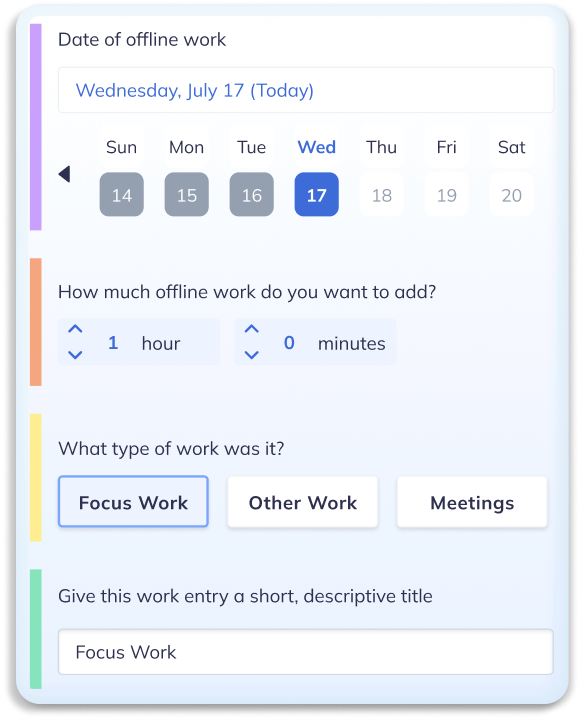
Not everything happens online. RescueTime automatically prompts you to add Offline Time when you’ve been away so you have a full picture of your day.
Why is it so difficult to focus?
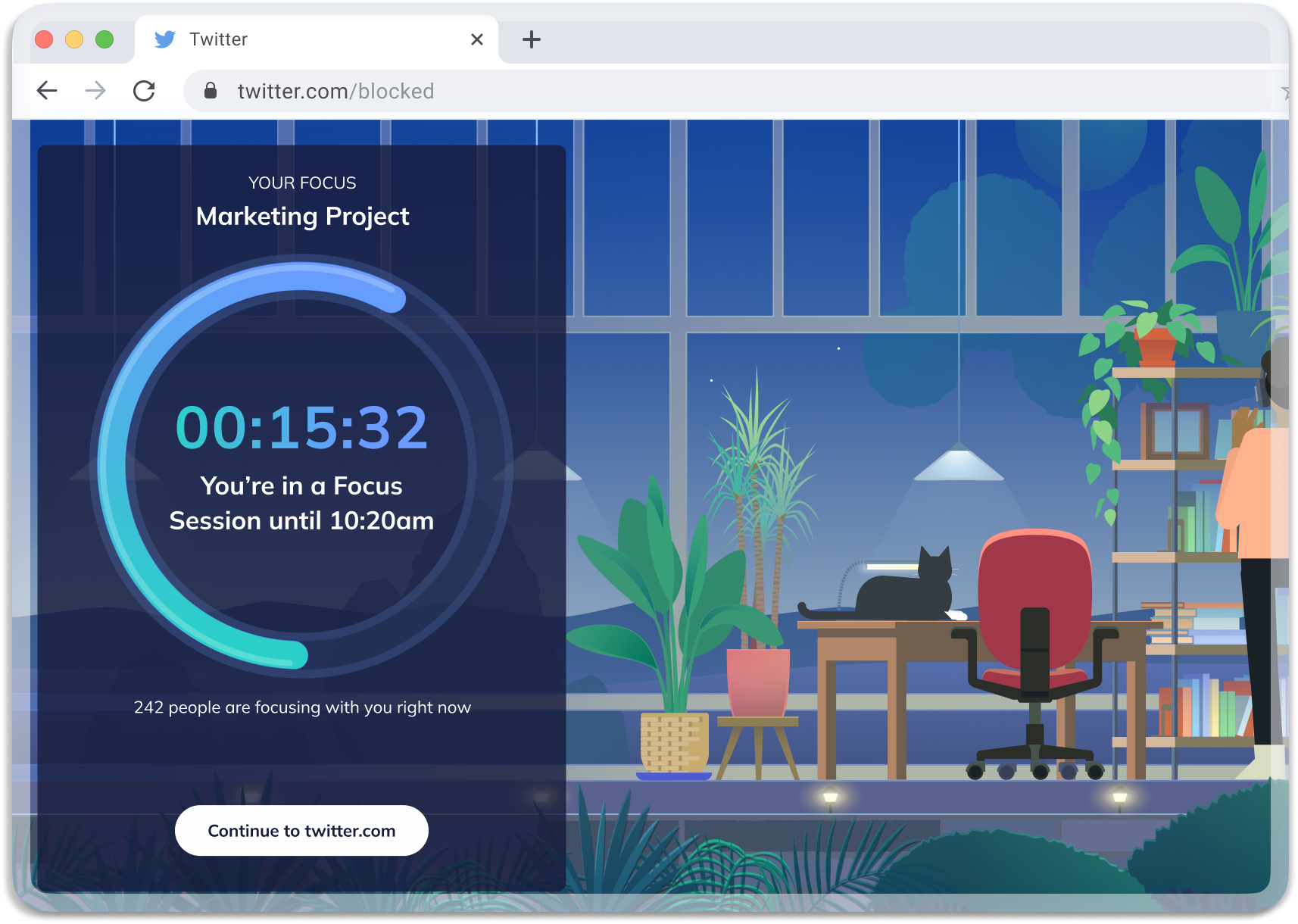
The digital world is filled with distractions. Are you prepared?
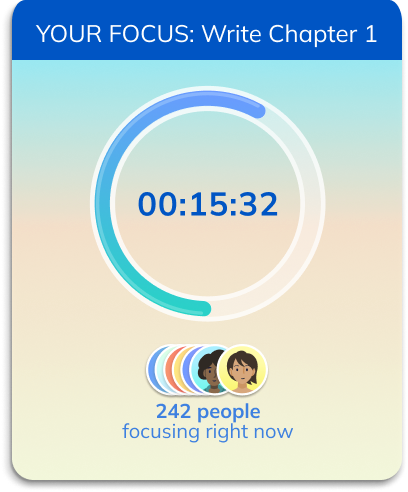
Use FocusTime to block the websites and apps that most negatively impact your focus.

“I started using RescueTime and I was absolutely shocked by what I saw. I started making changes immediately and experienced big improvements within weeks.”
-Colleen Doran, NYT bestselling cartoonist
How can you be more productive?
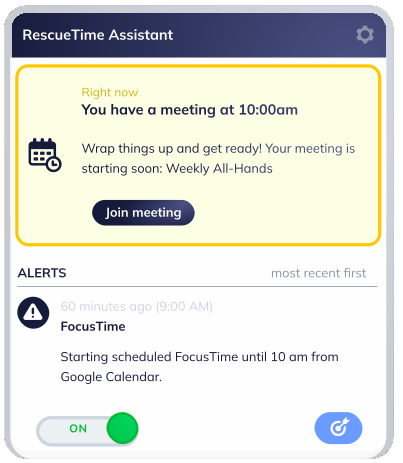
Simplify your day with the Assistant
Keep tabs on your behavior with the RescueTime Assistant. Check your alerts, view your meeting schedule and more! RescueTime shows you exactly what you’re doing on your computer every hour of the day.
Integrate With Your Favorite Apps
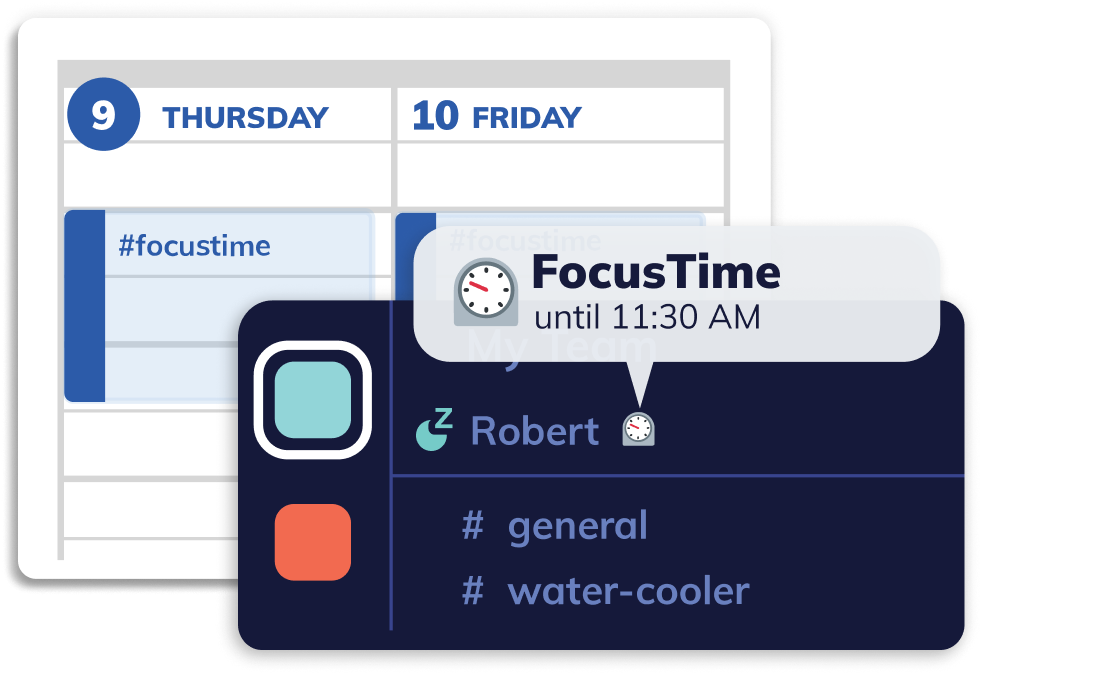
Upgrade your favorite apps with RescueTime’s tools and data. Focus on Asana tasks, track your productivity right from your calendar, have RescueTime automatically update your Slack status, and more!
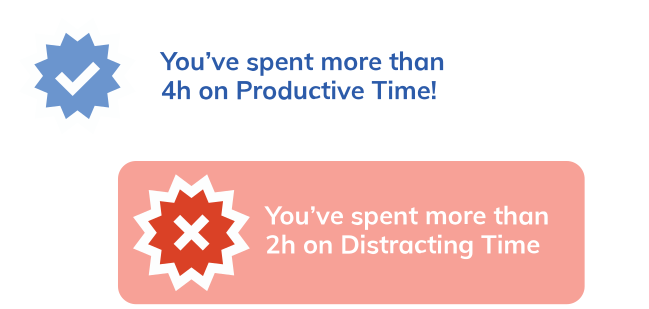
Set Smart Goals and Real-Time Alerts. Build Better Habits.
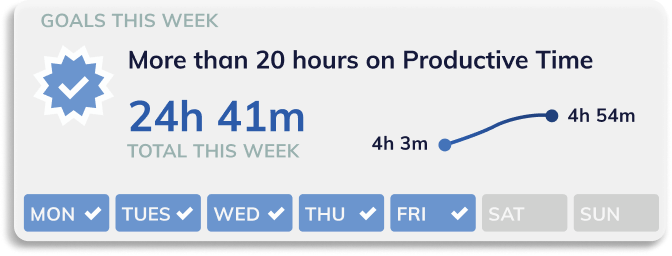
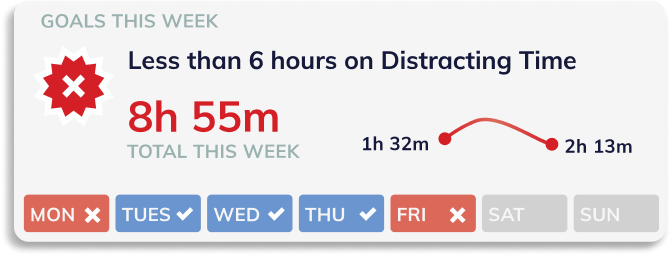
Set goals for how you want to spend your time–whether that means less time on email, or more time writing, designing, or coding.
Real-time alerts keep you on track, so you can spend your free time on the things you enjoy!

“You’ll discover things about yourself that will make you wonder how you ever got any work done without RescueTime.”
-Alexis Ohanian, Founder of Reddit
More than time management
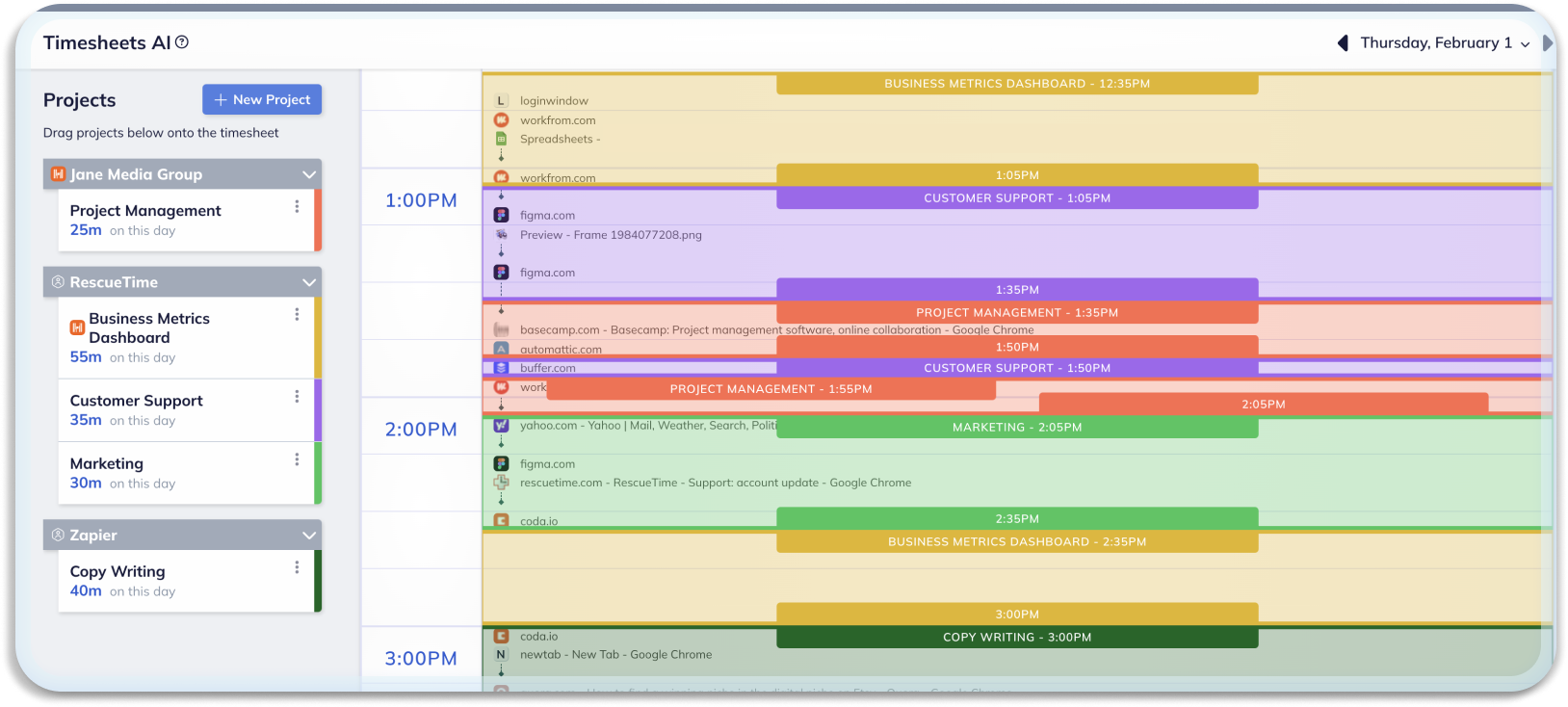
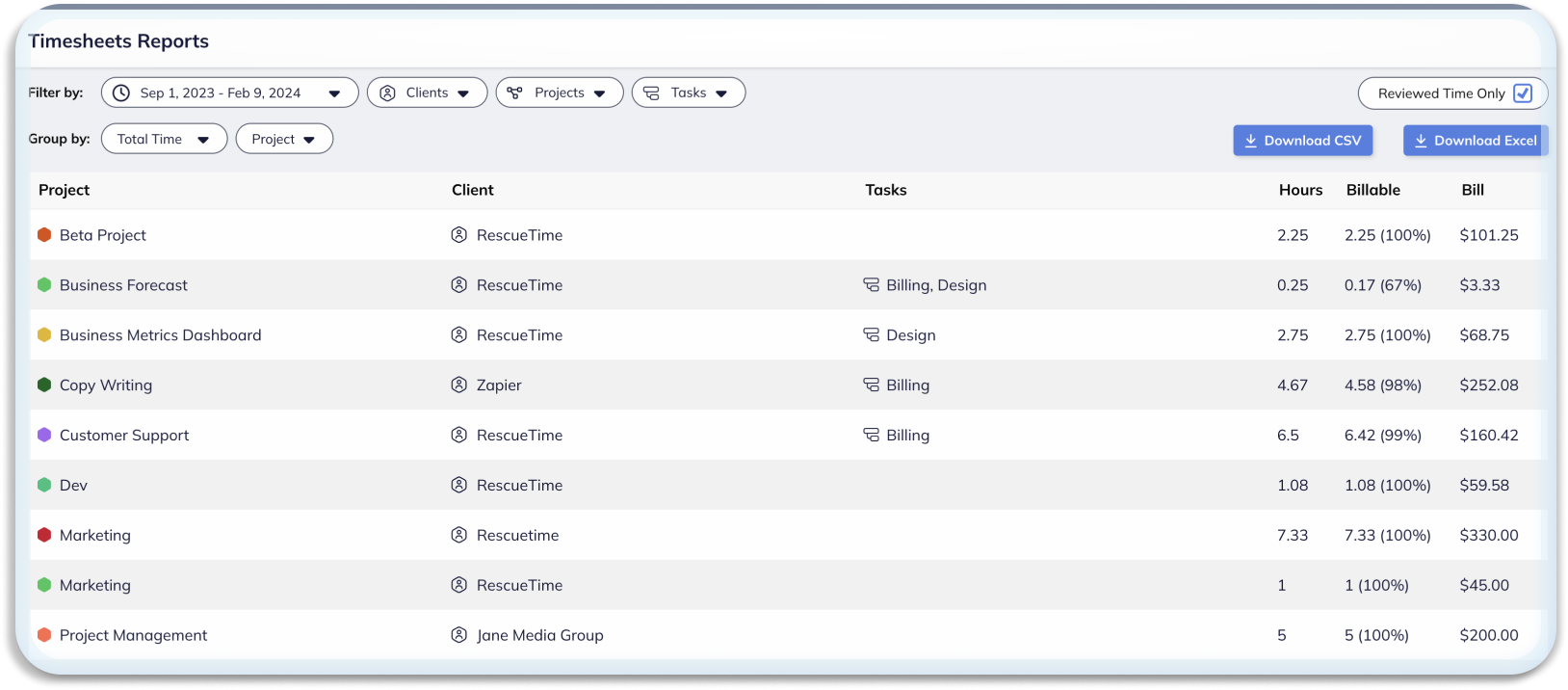
With Timesheets AI, tracking projects has never been easier
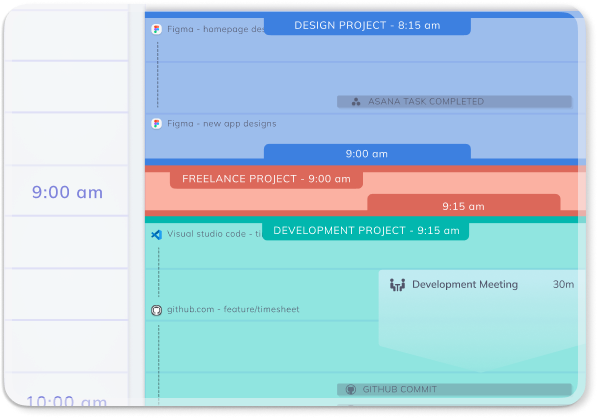
What do you get when you combine RescueTime’s award winning time tracking software, AI, and an intuitive drag-and-drop interface? Timesheets that take minutes to create instead of hours. More accuracy when billing clients. The end of manual timers and relying on memory.
Timesheets AI automatically divides your time between projects or clients. And the more you use it, the smarter it gets.
Take control of your timesheets— Try RescueTime For Free
Why RescueTime?
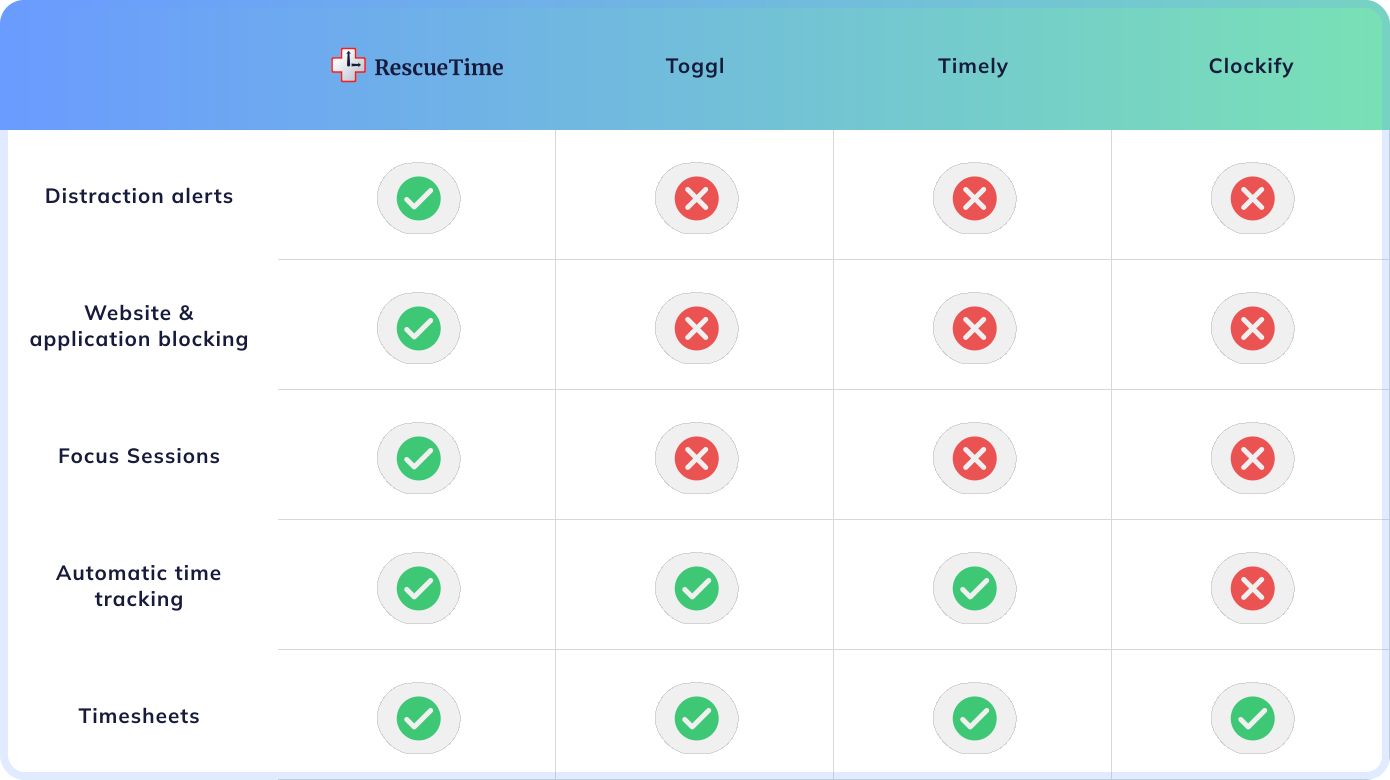
Only RescueTime does it all—improve your focus and automate your time tracking
No other software can block distractions while it manages your busy meeting schedule and provides accurate time tracking. Look to RescueTime for comprehensive time management.