
Features
Team
- Team Productivity Report
- Daily Pattern Report
- Key Tools & Categories
- Individual & Team Reports
Team
- Shared Clients, Projects, and Tasks
- Role-based Access Control
- Team Weekly Calendar View
- Billable Rates

See exactly how you spend your time—automatically. RescueTime runs in the background, tracking your work so you stay focused and accountable. Upgrade to Premium for app & website blocking, alerts, timers, and more.
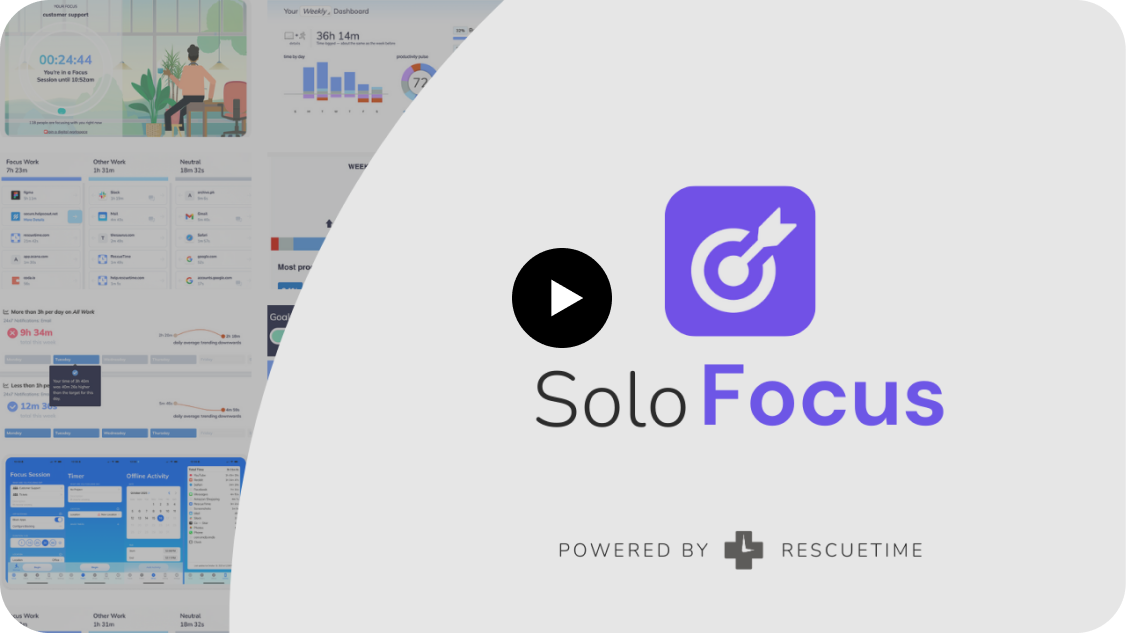
Focus Sessions and Alerts block apps & websites to keep your attention away from distractions and on the work that matters most.
See when you are most productive, so you can optimize your schedule and do more in less time. Discover your biggest distractions and find areas for improvement.
Turn your goals into daily progress, whether it's work, online habits, or anything else. Set goals to avoid time wasters or to spend more time on deep work.
Take an unbiased look at your habits, discover what's holding you back, and make informed choices about how to spend your time. View trends over weeks, months, or years.
RescueTime runs in the background, automatically tracking where your time is spent across apps, websites, and documents. No timers, no spreadsheets, just a clear view of your day and your productivity.
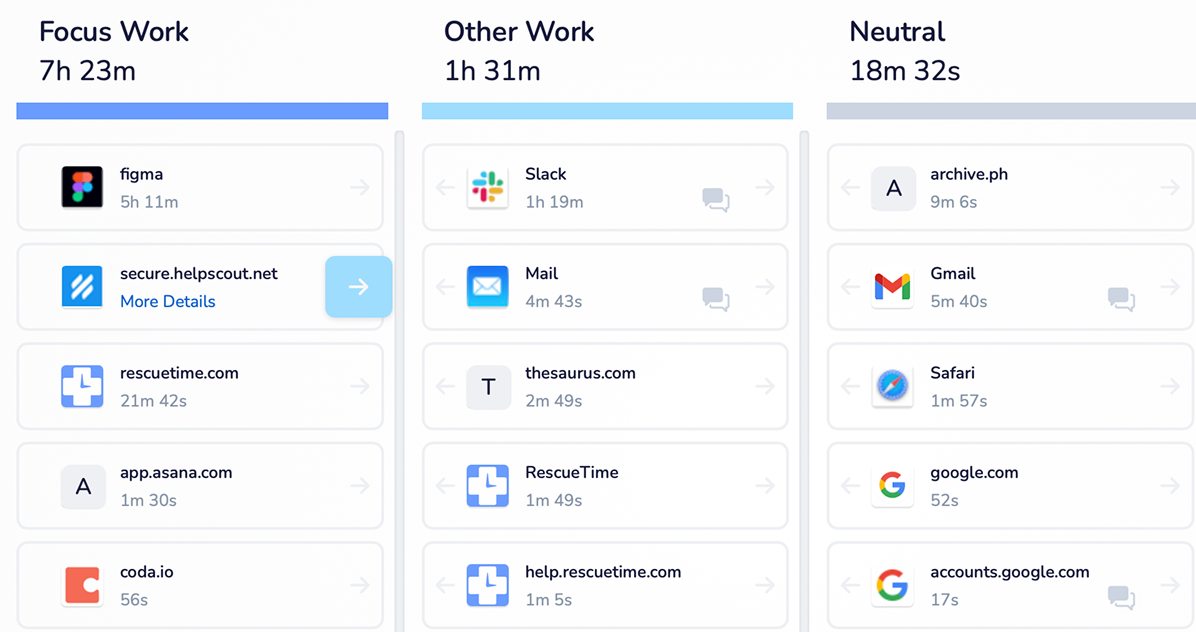
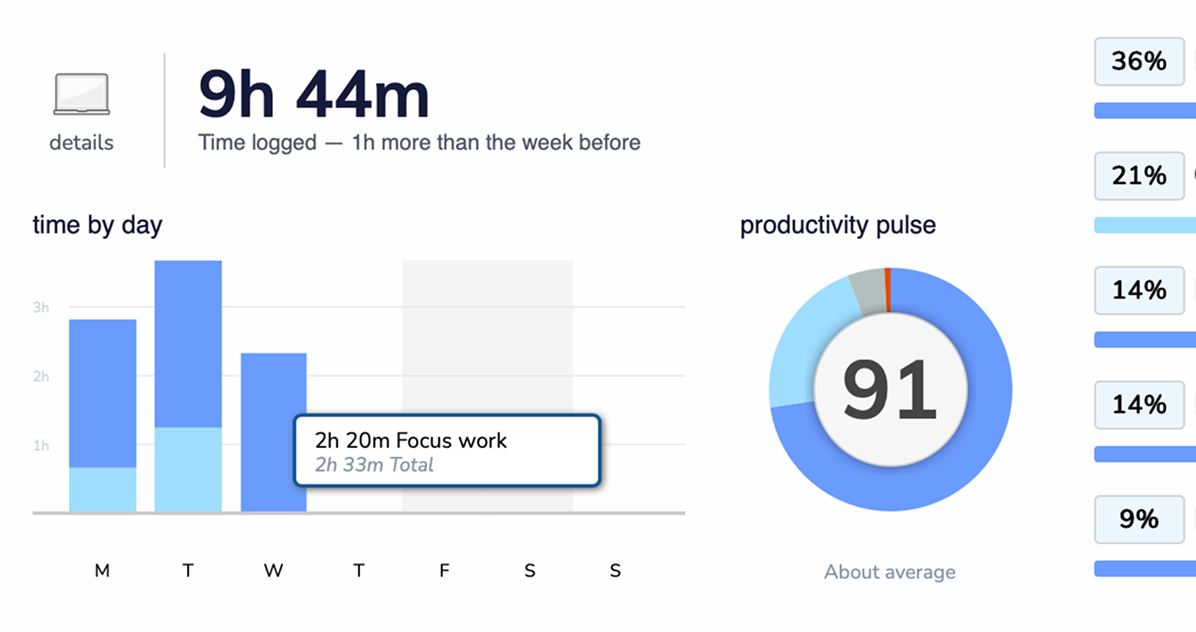
Turn your activity into insights with reports by category, app or website, and productivity level. Free users see up to two weeks of history, while Premium gives full access to your entire data history for deeper analysis.
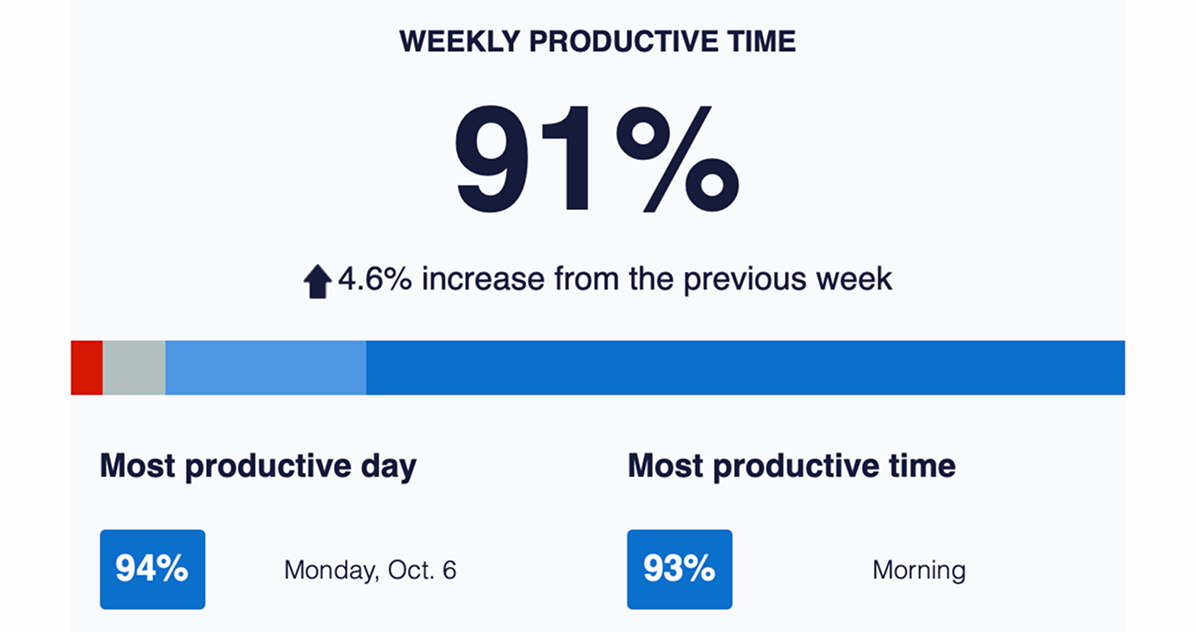
Every week, RescueTime delivers a summary of your productivity. See your average productivity score, understand behavioral trends, and track your progress toward your goals.
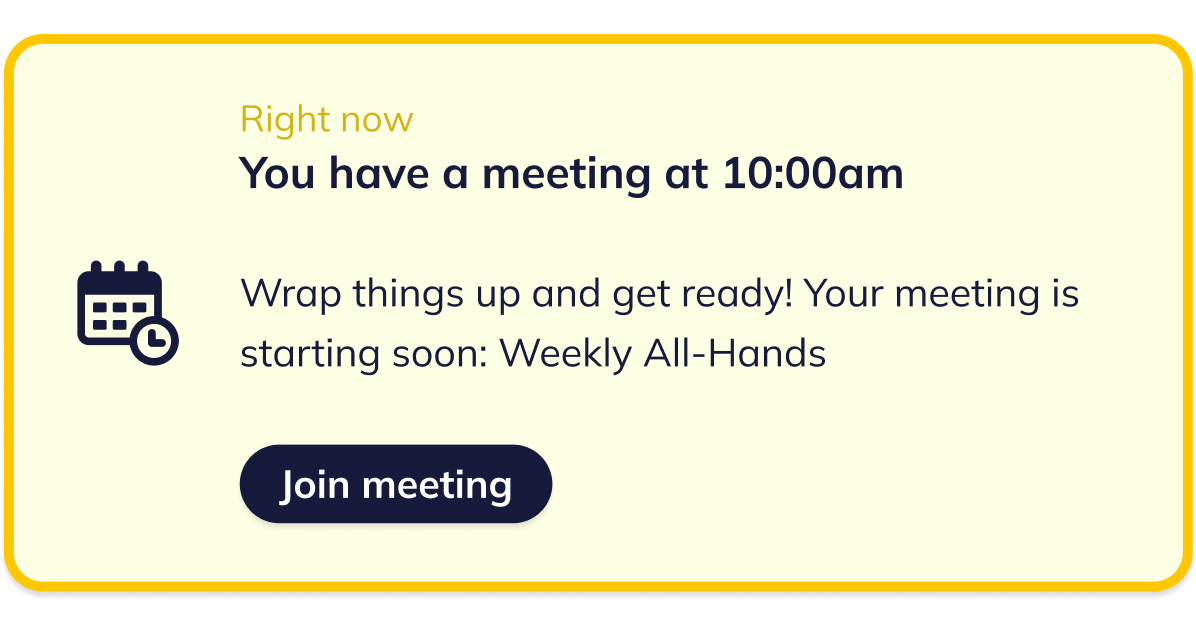
Your daily command center. The Assistant brings your meeting schedule, Focus Sessions, and key insights together in one easy-access hub, helping you stay aware, organized, and in control of your day.
Be productive anywhere with the RescueTime iOS app. Start Focus Sessions, launch Timers, or log Offline Activity right from your phone. Allow Screen Time access to see trends in your mobile activity.
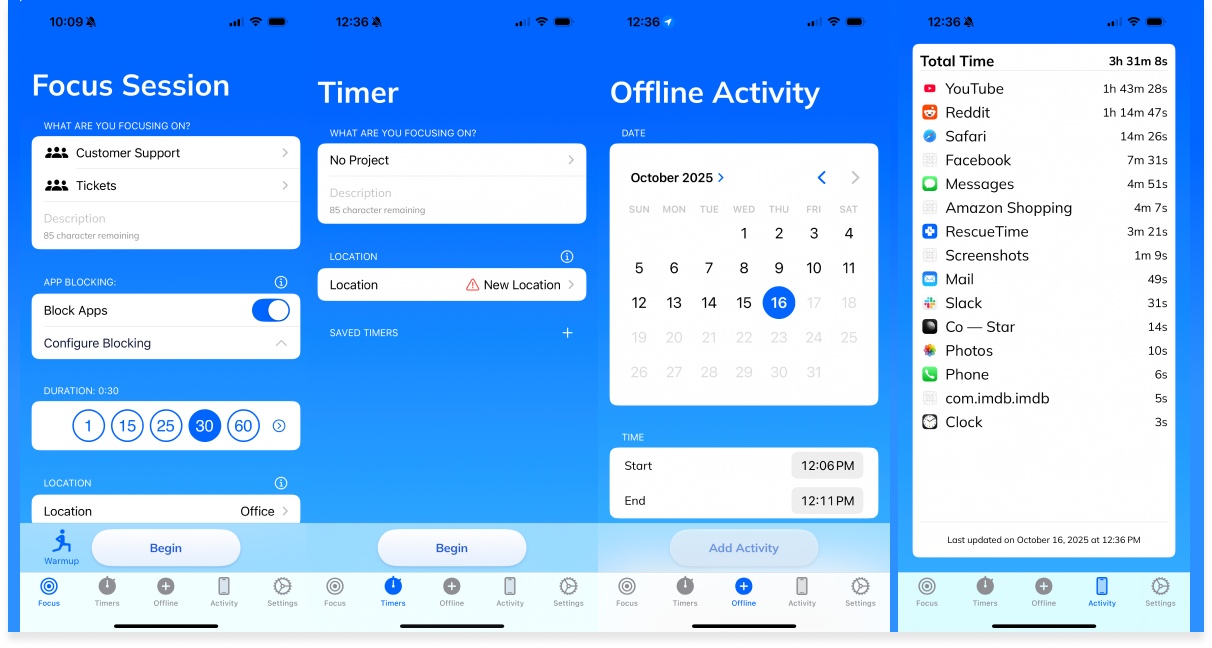
Eliminate distractions and harness the power to focus. Focus Sessions block selected websites and apps, silence notifications, and can include focus music from Spotify or YouTube.

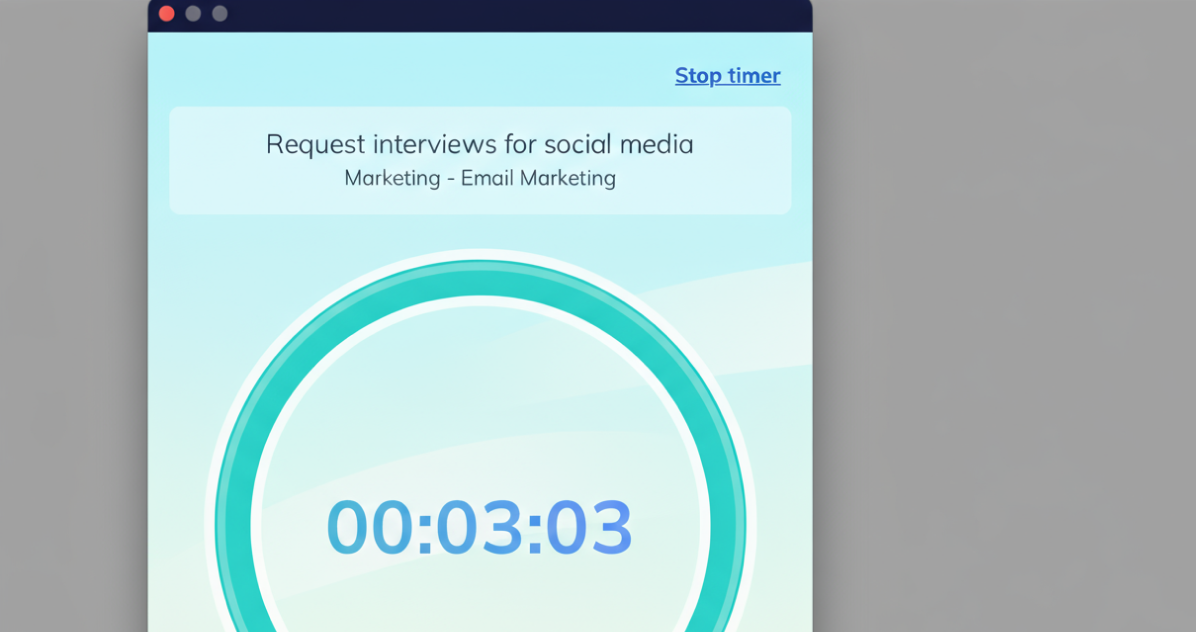
Track projects or tasks with a built-in timer that's fully integrated with RescueTime. Whether you're using the Pomodoro technique or timing client work, every session is automatically added to your Highlights Report.
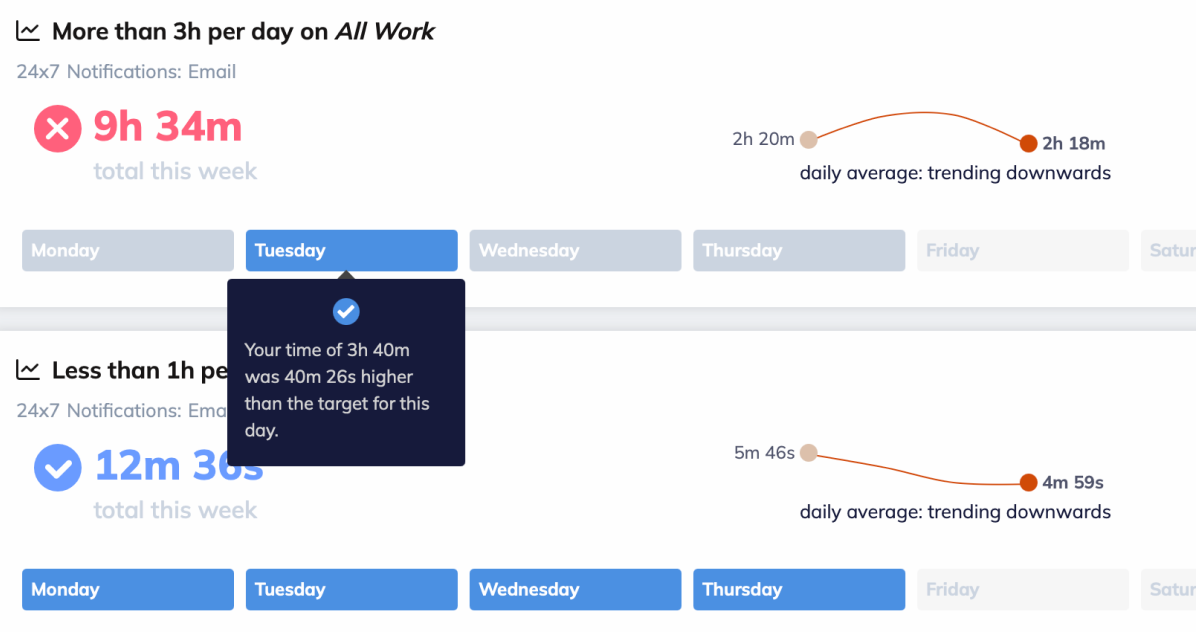
Set unlimited focus goals and get instant alerts when distractions pull you off track. Customize your alerts to suit your activities and the habits you want to reinforce.
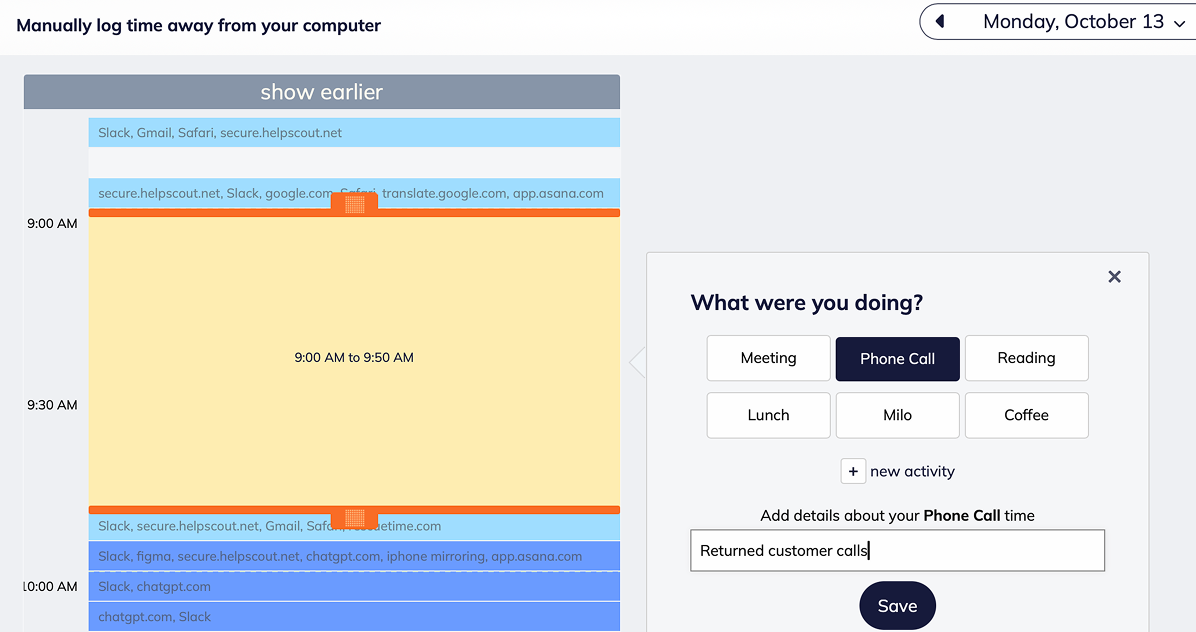
Log in-person meetings, calls, or brainstorming sessions to capture a full picture of your day. Categorize your offline activities and view them by productivity just like your online activities.
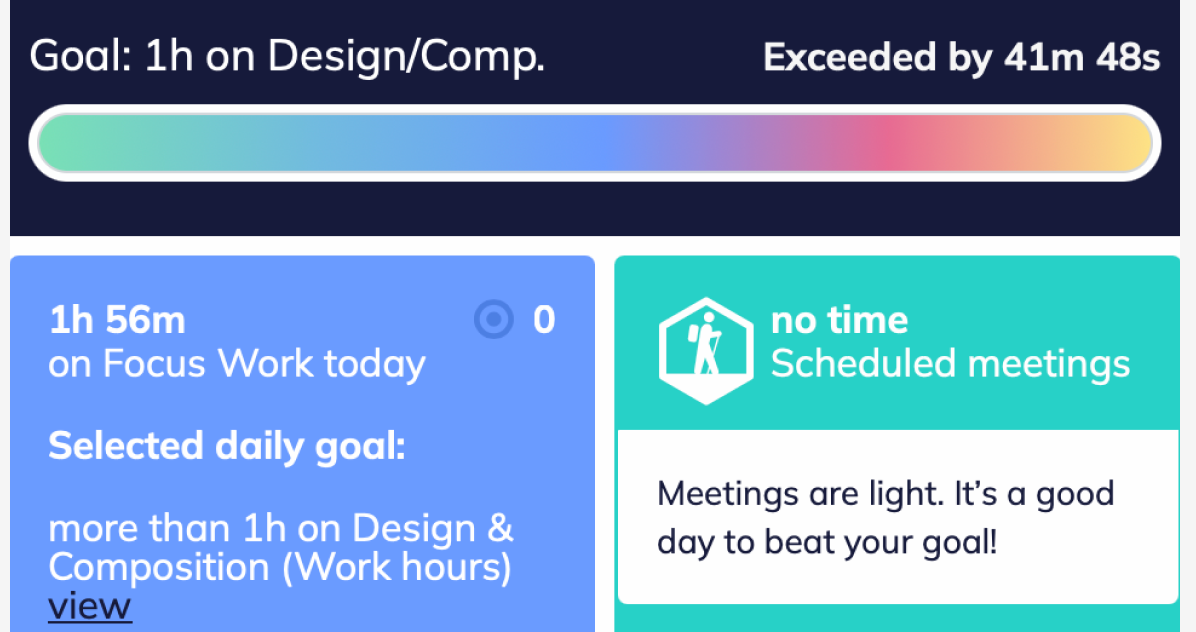
Daily Target Goals let you set a specific goal and track your progress in real time. Add your goal to the Assistant to see how close you are to reaching it—stay motivated, stay on target.
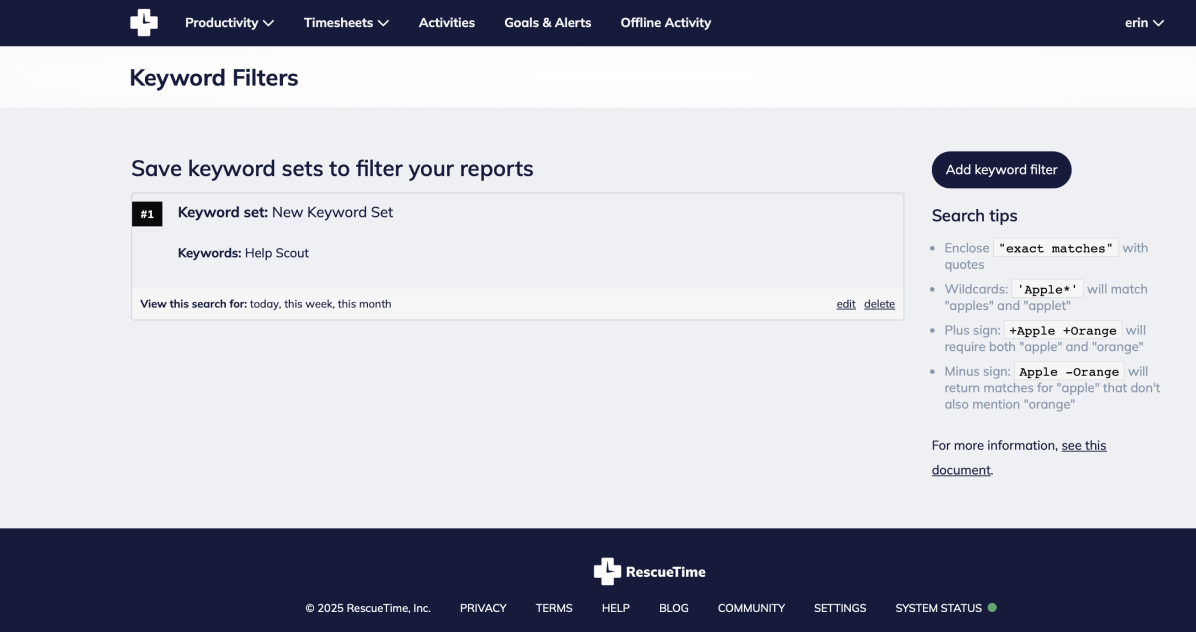
Find exactly the information you need with keyword search. Search reports by client, file name, or topic to quickly view down-to-the-minute details of your work.
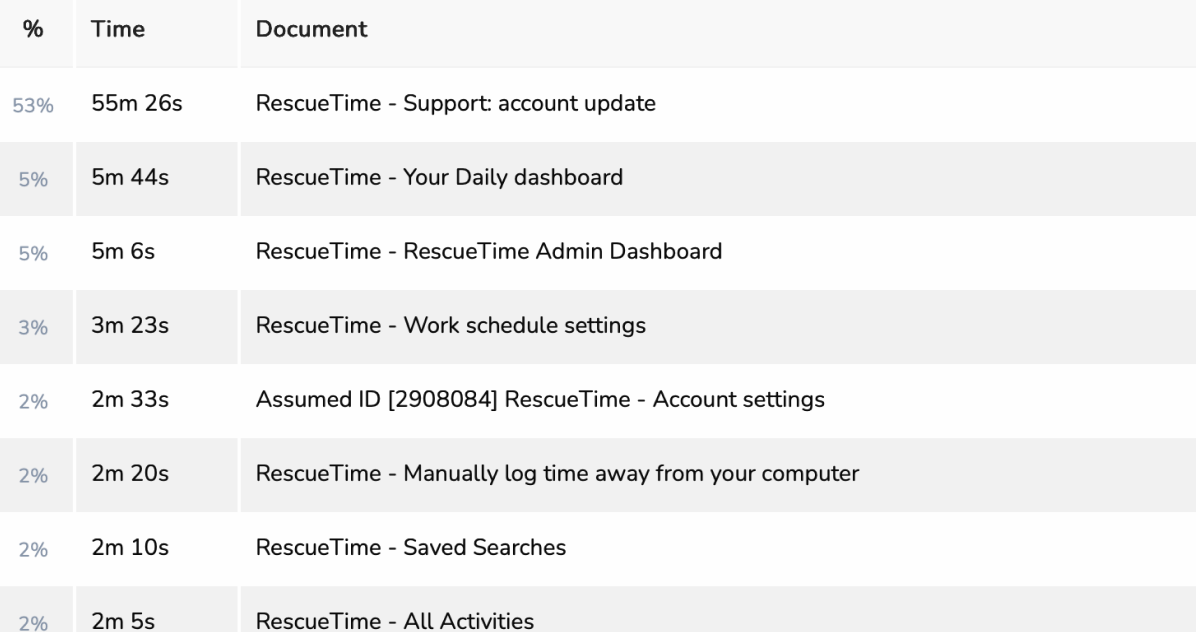
Track specific documents and file names, not just apps and websites. See exactly what you're focused on within the tools you use most.

Unlimited report history gives you access to every moment you've tracked, letting you explore work patterns, measure the impact of your habits, and uncover insights from the moment you open your account.
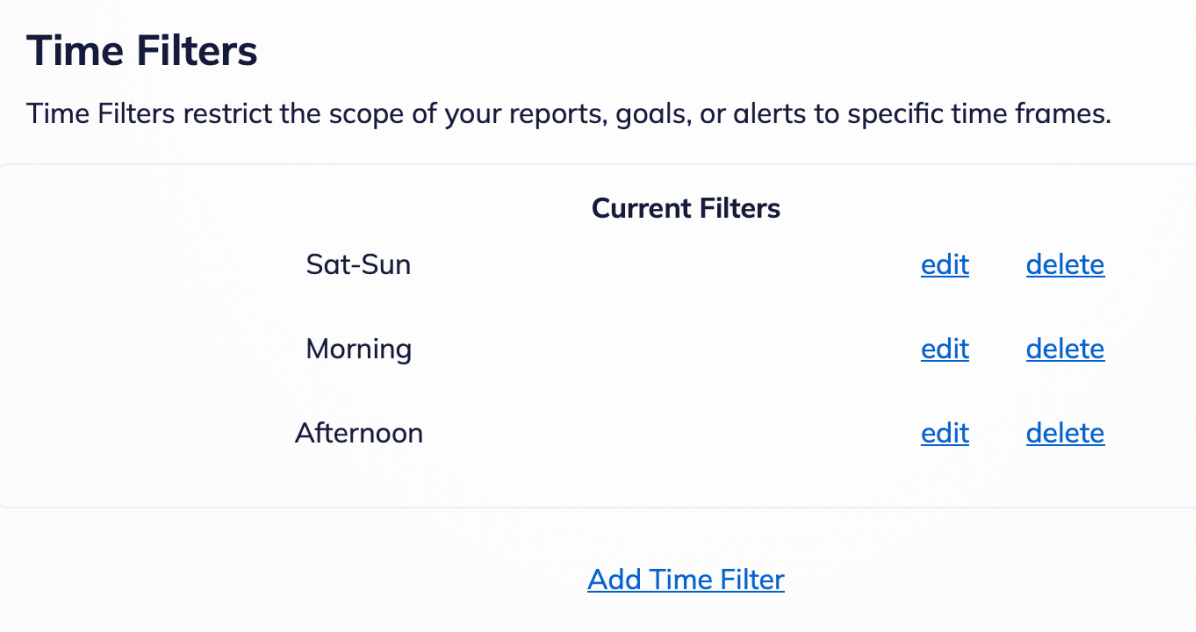
Flexible time filters let you analyze productivity on your terms. Zoom in, compare time ranges, and reveal long-term trends.

Add important notes about your day (wins, challenges, or context) to connect events to your focus patterns or keep more detailed records of your time.